
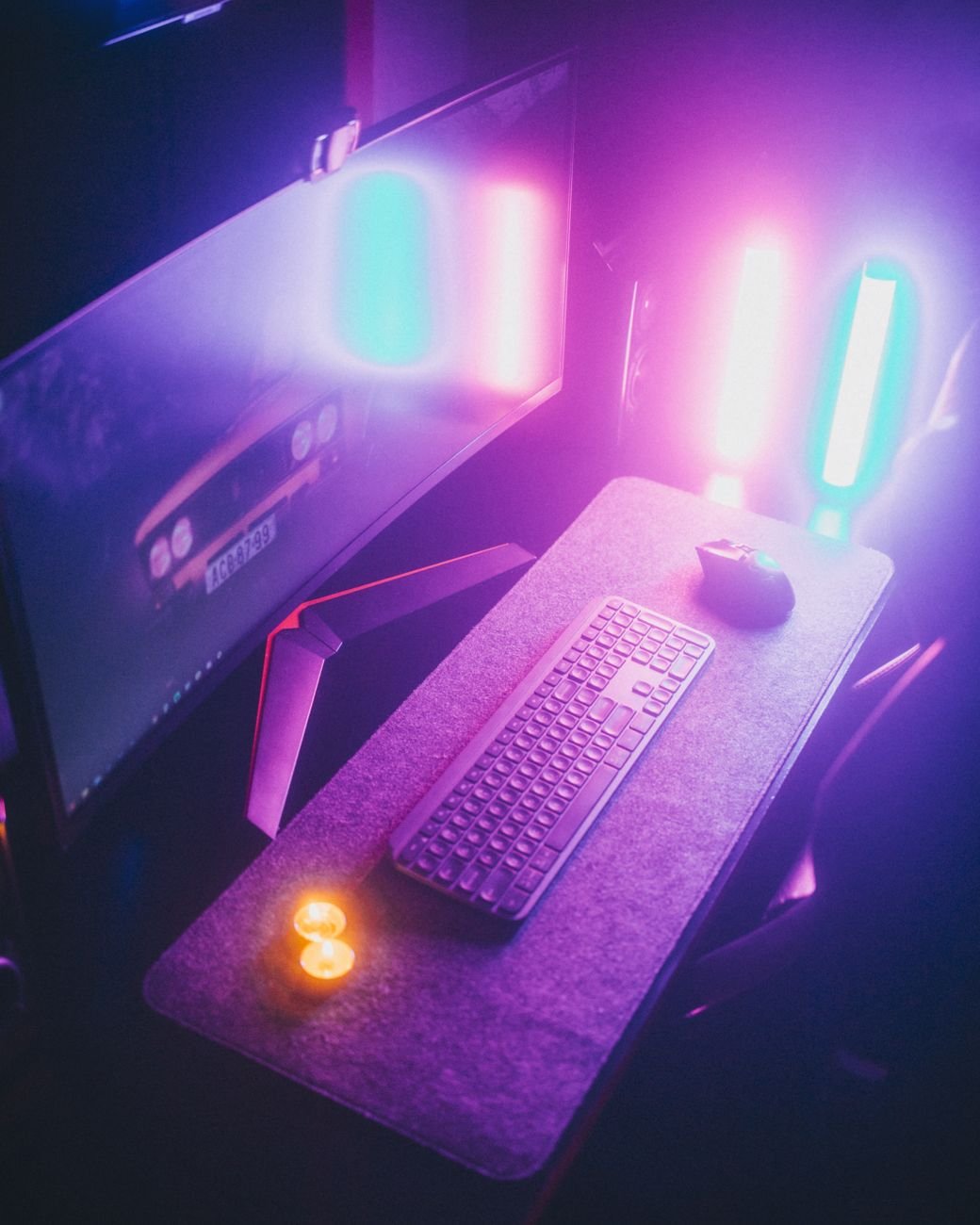
Finding the best OLED gaming monitors for 2026 requires balancing ultra-fast refresh rates, pixel response times, and panel longevity. In this comprehensive buying guide, you will learn how the latest QD-OLED and WOLED technologies from ASUS, LG, and Samsung compare under real-world gaming conditions. We analyze critical performance metrics—including the leap to 360Hz and 480Hz refresh rates, aggressive screen curves, and modern burn-in warranties—so you can confidently choose the perfect display for your setup. Whether you prioritize competitive esports frame rates or cinematic HDR immersion, this guide breaks down the top-tier options dominating the market this year.
- Refresh Rate vs. Resolution: Competitive gamers should target 360Hz or 480Hz 1440p panels, while visual enthusiasts will find the sweet spot in 240Hz 4K displays.
- Panel Technology Matters: QD-OLED offers superior color volume and vibrancy, whereas WOLED with Micro Lens Array (MLA) delivers higher peak white brightness and better performance in bright rooms.
- Burn-In Protections: Industry-standard 3-year burn-in warranties from major brands like ASUS, LG, and MSI have significantly mitigated the risks of long-term pixel degradation.
Why Choose an OLED Panel for Gaming in 2026?
OLED technology has completely redefined the visual standards of modern gaming. Unlike traditional LCD panels that rely on a shared LED backlight, OLED displays feature self-emissive pixels. Each pixel can turn completely off, resulting in an infinite contrast ratio and true, deep blacks. This per-pixel dimming eliminates “blooming” or “halo” effects, which are common on even the most advanced Mini-LED displays when bright objects appear against dark backgrounds.
Beyond contrast, the primary competitive advantage of OLED is its near-instantaneous response time. Traditional fast-IPS panels boast a pixel response time of 1ms gray-to-gray (GtG), but OLED panels push this metric down to an astonishing 0.03ms GtG. This rapid transition virtually eliminates motion blur, ghosting, and smearing, allowing fast-moving targets to remain perfectly sharp during intense gaming sessions. When paired with high refresh rates, the motion clarity of an OLED screen is unmatched by any other panel technology.
How Do QD-OLED and WOLED Technologies Compare?
In 2026, the OLED market is divided into two primary sub-technologies: Quantum Dot OLED (QD-OLED) manufactured by Samsung Display, and White OLED (WOLED) manufactured by LG Display. Understanding their architectural differences is crucial for matching a monitor to your gaming environment.
QD-OLED panels utilize a blue organic light-emitting layer combined with quantum dot color converters to produce red and green light. This design allows for incredibly pure, saturated colors, particularly in the mid-to-high brightness range. However, because early QD-OLED panels lacked a polarizing layer, ambient light could strike the quantum dots and raise the black levels, causing blacks to look slightly grey or purple in brightly lit rooms. Third-generation QD-OLED panels have drastically improved this issue, though they still perform best in light-controlled or dim environments.
WOLED panels utilize a white OLED source passing through red, green, and blue color filters, alongside an unfiltered white subpixel to boost brightness. The latest WOLED displays incorporate Micro Lens Array (MLA) technology, which uses billions of microscopic lenses to redirect internal light outward. This innovation allows WOLED monitors to reach extreme peak brightness levels for HDR highlights without overdriving the organic material. WOLED screens also feature traditional polarizing layers, maintaining deep, inky blacks even under direct overhead lighting.
For high dynamic range performance, both technologies are exceptional. According to the official VESA DisplayHDR standards, true black levels and high peak luminance are critical for delivering a genuine HDR experience. Both panel types easily meet these stringent requirements, delivering breathtaking contrast that makes games look incredibly lifelike.
What Are the Best OLED Gaming Monitors Available Right Now?
The current market features exceptional offerings tailored to different use cases, budgets, and form factors. Below are the standout models that have set the standard for performance, color accuracy, and build quality.
ASUS ROG Swift OLED PG32UCDM: The Premium All-Rounder
The ASUS ROG Swift OLED PG32UCDM is widely regarded as one of the finest gaming monitors ever created. Featuring a 32-inch flat QD-OLED panel, it delivers a razor-sharp 4K resolution (3840 x 2160) paired with a fluid 240Hz refresh rate. The pixel density of approximately 140 pixels per inch (PPI) ensures that both text and fine in-game details are incredibly crisp, resolving the text-fringing issues that plagued older generations of OLED screens.
ASUS has equipped the PG32UCDM with a highly efficient custom heatsink and a graphene film backing. This advanced thermal design dissipates heat away from the panel without the need for an active, noisy cooling fan. By keeping operating temperatures low, ASUS reduces the risk of burn-in and allows the panel to sustain higher peak brightness levels over longer periods. The monitor also features a built-in KVM switch, USB-C power delivery up to 90W, and a dedicated uniform brightness setting that prevents distracting auto-brightness limiting (ABL) during productivity tasks.
LG UltraGear OLED 32GS95UE: Dual-Mode Versatility
For gamers who refuse to choose between high-fidelity visual immersion and competitive esports performance, the LG UltraGear OLED 32GS95UE is a revolutionary choice. This 32-inch WOLED monitor features a unique “Dual-Hz” feature, allowing users to switch between a gorgeous 4K resolution at 240Hz and a blazing-fast 1080p resolution at 480Hz with a single press of a hotkey on the bottom bezel.
This dual-mode capability makes it the ultimate hybrid display. You can play cinematic, visually demanding titles like Cyberpunk 2077 in glorious 4K, and then instantly switch to 480Hz at 1080p for competitive titles like Valorant or Apex Legends. The 32GS95UE also utilizes LG’s latest MLA technology, pushing peak brightness up to 1,300 nits in small HDR windows. Additionally, LG’s Pixel Sound technology uses the panel itself as a speaker diaphragm, projecting clear, directional audio directly toward the user.
Samsung Odyssey OLED G8: Sleek Curved Performance
The Samsung Odyssey OLED G8 (G80SD) brings a highly refined, premium aesthetic to the desktop. Utilizing a 32-inch flat 4K QD-OLED panel with a 240Hz refresh rate, it matches the raw performance of its competitors while offering a unique set of smart features. Samsung has integrated its NQ8 AI Gen3 Processor, which intelligently upscales lower-resolution content and optimizes image processing in real-time.
What sets the Odyssey OLED G8 apart is its ultra-slim metal design and built-in Smart TV platform. When you are done gaming, you can stream content directly from apps like Netflix, YouTube, and Prime Video without turning on your PC. It also features Samsung’s proprietary OLED Safeguard+ technology, which uses a pulsating heat pipe system to prevent burn-in, alongside a matte, glare-free coating that excels at diffusing reflections in bright rooms.
Should You Choose 240Hz 4K or 360Hz/480Hz 1440p?
Your choice between resolution and refresh rate should be dictated by the types of games you play most frequently. A 4K resolution at 240Hz offers a massive canvas of detail. This configuration is ideal for immersive open-world RPGs, simulation games, and action-adventure titles. However, driving a 4K display at 240Hz requires an incredibly powerful graphics card, such as an NVIDIA GeForce RTX 4090 or its next-generation successors, to fully saturate the refresh rate.
Conversely, competitive players who focus on fast-paced first-person shooters will benefit far more from a 27-inch 1440p (2560 x 1440) OLED panel running at 360Hz or 480Hz. The lower resolution is significantly easier on your GPU, ensuring you can maintain stable, ultra-high frame rates. Furthermore, the motion clarity of a 360Hz or 480Hz OLED is virtually flawless, reducing input lag to the absolute minimum and giving you a distinct tracking advantage in fast-moving skirmishes.
How Do Screen Curves Impact Your Gaming Immersion?
OLED gaming monitors are available in both flat and curved profiles. Curved monitors, ranging from a subtle 1800R curve to an aggressive 800R curve, are designed to match the natural curvature of the human eye. This design keeps every part of the screen at an equal distance from your eyes, reducing peripheral distortion and eye strain during long gaming sessions.
For ultrawide displays with a 21:9 or 32:9 aspect ratio, a curved screen is almost essential. A curved ultrawide monitor wraps around your field of view, pulling you deeper into the game world and providing a highly immersive, cinematic experience. However, if you also plan to use your monitor for professional creative work, such as photo editing, graphic design, or CAD modeling, a flat panel is generally preferred to avoid perceived line distortion.
What Warranty and Burn-In Protections Should You Look For?
Burn-in occurs when static elements, such as a game’s heads-up display (HUD), desktop taskbars, or news tickers, are displayed continuously for hundreds of hours, causing uneven wear on the organic pixels. Fortunately, panel manufacturers have made massive strides in hardware and software mitigations to prevent this issue.
Modern OLED monitors feature built-in maintenance cycles, such as pixel cleaning and panel refreshing, which run automatically when the monitor is in standby mode. They also employ pixel shifting, which subtly moves the entire image by a few pixels periodically, and static logo detection, which dims static elements to protect the underlying pixels. When purchasing an OLED monitor, always verify that the manufacturer offers a comprehensive 3-year warranty that explicitly covers burn-in. Brands like ASUS, LG, MSI, and Corsair all offer this protection, providing peace of mind for your investment.
How to Optimize Your OLED Monitor to Prevent Burn-In
While modern hardware safeguards are highly effective, practicing good habits can extend the lifespan of your OLED monitor by several years. Start by setting your operating system’s display sleep timer to turn off the screen after 3 to 5 minutes of inactivity. This prevents static desktop elements from being displayed if you step away from your desk.
Additionally, enable auto-hiding for your Windows or macOS taskbar, and use a solid black background or a rotating folder of wallpapers. Running your operating system and web browsers in dark mode also reduces the overall brightness load on the organic pixels. Finally, avoid running your monitor at 100% manual brightness for standard desktop productivity; reserve maximum brightness for HDR gaming and media consumption where the bright highlights are dynamic and constantly moving. Following these simple steps ensures your premium display remains flawless for years to come.